Create a new standard blog post
Purpose
Create a new article that automatically uses the shared SeattleOnABudget blog template and appears in the correct dynamic listings when it is approved and published.
Required role
Author or higher. Publishing without review may require Editor or Administrator, depending on the assigned account.
Prerequisites
-
Sign in to website through Chrome and use Gutenberg, the existing WordPress block editor.
-
Approved title, body copy, primary pillar, excerpt, images, and image metadata.
- A confirmed publication state: Draft, Pending review, or approved Published.
- A working preview checklist for desktop and mobile.
Steps
- Open Posts > Add New Post. Confirm the top bar identifies the item as a Post, not a Page.
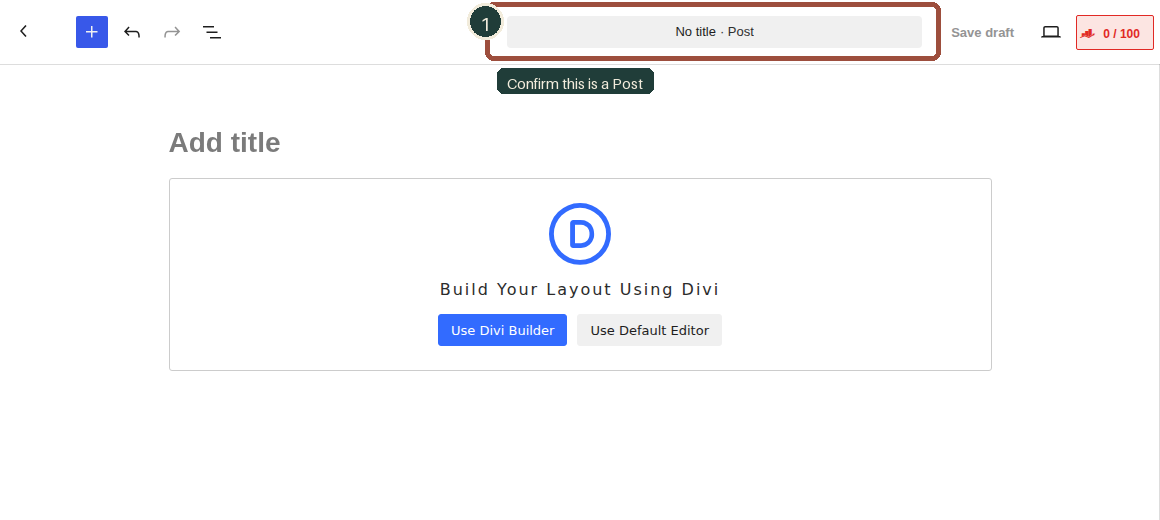
- If the editor-choice panel appears, select Use Default Editor to open Gutenberg. If the block canvas is already visible, continue there. Do not select Use Divi Builder for a standard article; the shared blog template supplies its public design.

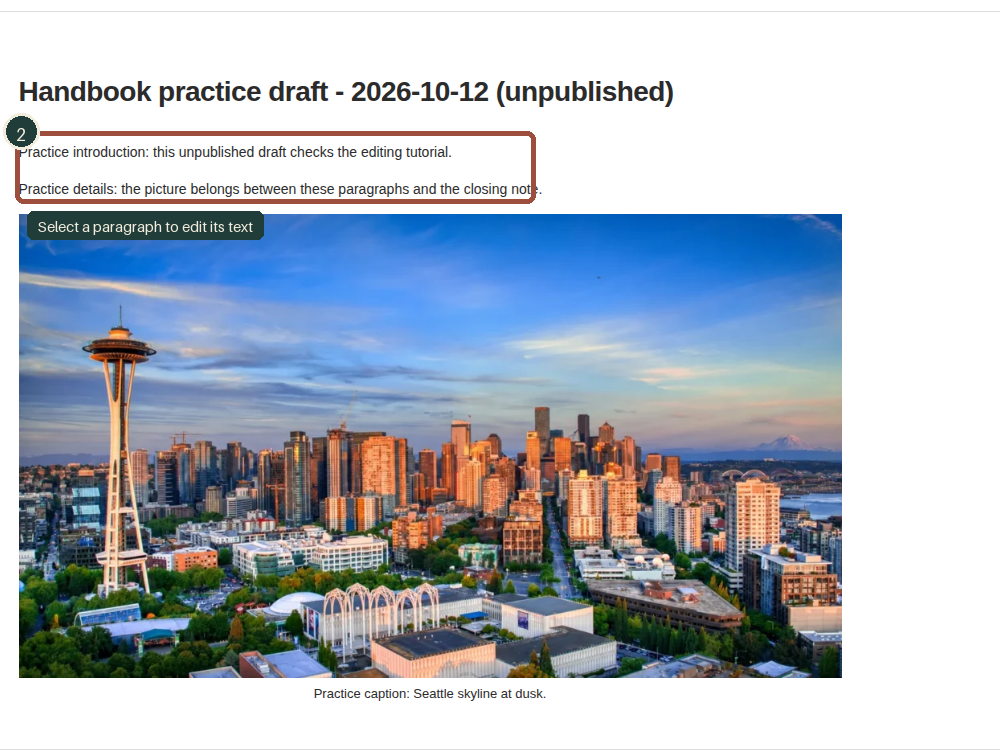
Enter the approved title in Add title. Select the paragraph area beneath the title and type the approved body. Press Enter once for a new paragraph; use Heading blocks in logical order. The example below shows a practice draft with editable paragraphs.
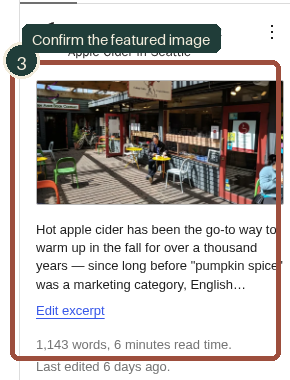
- Complete the featured image, media metadata, one primary pillar, excerpt, preview, and publication-state checks in Create or edit a blog post. Use Add an image to an existing post for each inline article image.
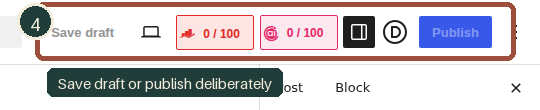
- Select Save draft while copy, images, links, SEO, or approval are still incomplete. Wait for saving to finish, reopen the draft from Posts, and confirm its content and Draft status. Select Publish only after the complete checklist passes and publication is approved.
Expected result
The new post has complete editorial fields, one correct pillar, and the intended status. Its preview uses the same global article template as existing posts; no one-off Divi layout is stored inside the post.
Common mistakes
- Creating a Page instead of a Post.
- Selecting Use The Divi Builder and bypassing the global post template.
- Publishing with Uncategorized, multiple primary pillars, no excerpt, or missing image metadata.
- Treating Save draft as publication approval.
Recovery or escalation
- If the wrong content type was started and nothing useful was saved, leave it as an auto-draft and start from Posts > Add New Post.
- If a new post was published accidentally, stop editing and ask an Editor or Administrator to restore the intended status and check public listings.
- Escalate template-wide title, date, byline, share, CTA, or related-content issues instead of customizing the individual post.