Edit caption and photo credit
A caption describes the photograph. A photo credit names its confirmed creator or source. Use the separate fields below; blank captions and credits are hidden on public articles.
Verified: 14 October 2026 · WordPress 7.1.3 · Divi 5.13.
Choose the correct caption location
| Picture location | Where to edit |
|---|---|
| Featured image above an article | Image Caption in Media → Library |
| Image inside a Gutenberg article | The image block caption. An existing block caption takes priority over the library caption. |
| Existing Divi page | The existing caption Text module, where used. Media captions are not displayed automatically by every Divi module. |
Edit caption and credit in Media Library
- Open Media → Library and select the exact photo. Confirm its filename and whether other articles reuse it.
- Enter the description in Image Caption, without the “Caption:” label.
- Enter the approved photographer or source in Photo Credit, without the “Photo credit:” label. Do not guess attribution. Keep the source or permission record.
- Keep Alternative Text as an accessibility description. Title, Description and Alternative Text do not replace caption or credit.
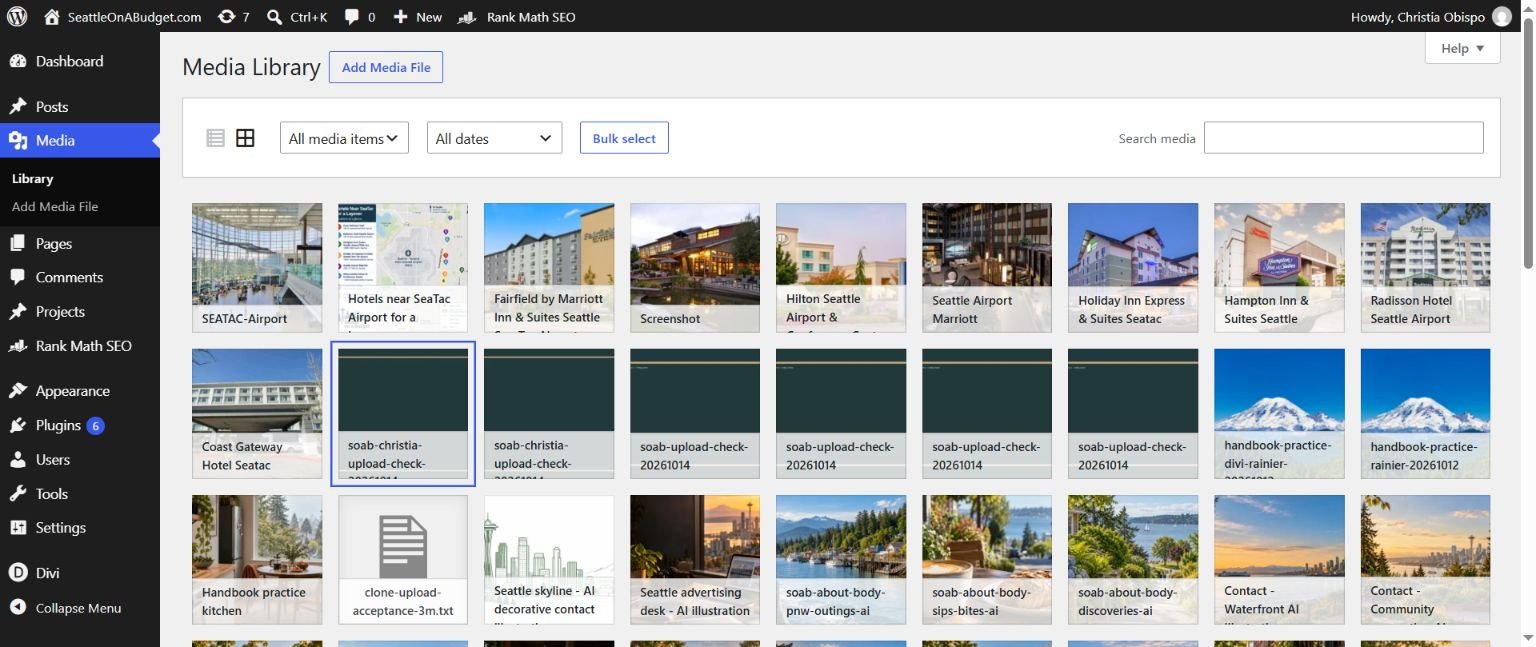
Save and check the result
Attachment Details popup: press Tab or click outside the edited field. Wait for saving to finish before closing or refreshing. Reopen the photo to confirm the text was retained.
Edit Media screen: choose Edit more details, edit the fields, then select Update. Wait for completion and reopen the same attachment.
Attachment metadata is saved separately from the post. Changes may affect every article that reuses the image. Review the wording before saving.
Open the article outside the editor and check the correct photo on desktop and phone. Filled values appear once; empty values do not display placeholder text.
Article-body and Divi captions
For Gutenberg, select the Image block and edit its caption beneath the image. Preview, then Save draft for a draft or Save for an approved published edit. Wait and reopen to confirm persistence. Photo Credit remains attached to the Media Library photo.
For an existing Divi page, edit its existing caption Text module. Do not add a duplicate image or change the shared article template.
See Add an image to an existing post and Pictures and captions in Divi.
If the result is missing or outdated
Confirm the filename and saved fields. Check the Gutenberg block caption if the library caption is not showing. Refresh the article and compare in a private window. If cached text remains, ask the maintainer to refresh this article’s cache.
If Photo Credit is unavailable to your account, send the article URL, photo filename, approved credit, and source record to an Editor or Administrator. Do not put the credit into Alternative Text or Image Caption.